The footage they asked for exists.
A car was scratched in the garage. The building manager finds the recording in minutes, because someone checked the recorder on the last visit.


A stable network across your whole space, with guests kept apart from your own network.
See all solutionsSolutions
Internet and Wi-FiSmart camerasAccess controlAlarmsComfort and automationRadios and field teamsOperations centerMaintenance and supportFor your space
Companies and officesResidential buildingsStores and chainsIndustry and logisticsHotels and clinicsParking lotsSelf-service laundromatsHomesPrivate security companiesARX
Custom softwareHow we workToolsBlogClient areaTalk to ARX
Maintenance and support
Equipment that is down is security that exists only on paper. Maintenance is what keeps the camera recording, the door opening and the alarm alerting years from now, too.
Maintenance and support is the care that keeps networks, cameras, doors, alarms and radios working after installation. It includes preventive maintenance, which inspects before things break, corrective maintenance, which repairs, and the tracking of equipment, updates and licenses. At ARX, it is always quoted on request, with a plan made for each location.
Implementation: State of São Paulo: the capital, inland cities and the coastDesign and consulting: all of BrazilWe serve foreign companies that operate in Brazil
In your day
Good maintenance does not show. The result shows: the recording exists, the door opens, the alarm alerts. You only notice when nobody was taking care of it.
A car was scratched in the garage. The building manager finds the recording in minutes, because someone checked the recorder on the last visit.
Dust covers a camera in a few months. The cleaning was in the plan, and the dock still shows up sharp.
The UPS battery was replaced before it expired. Network, cameras and doors rode out the fluctuation without going down.
The notice came in advance, along with the list of what would expire in the following months. No feature shut off on its own.
When it fails
The three problems we find most often, where they come from and how we avoid them.
The disk filled up or failed and the recorder alerted nobody. A recording disk works nonstop and wears out with use.
How ARX avoids itWe check each camera's recording on visits and leave the system set up to alert when a disk fails or a camera stops.
A battery has a service life and loses capacity with time and heat. Without testing, you only find out it is done when the power fails.
How ARX avoids itWe test how long the UPS really lasts, note the age of each battery and warn you before it is time to replace it.
Cameras, recorders and routers receive security fixes from the manufacturer. Whoever never updates is left with flaws that are already known.
How ARX avoids itWe update at an agreed time, starting with one device, and keep the previous configuration so we can roll back if something turns out different.
How ARX does it
What exists, where it is, what year it is from, which version and which license. In an old system, this is usually the first document the site has.
You receive: the list of equipment, versions and licenses.
What gets checked, how often and what is urgent. A dusty warehouse calls for more visits than an office. Everything on request, according to the site.
You receive: the maintenance plan, item by item.
Lens cleaning, recording tests, batteries, sensors, doors and radios. Updates at an agreed time, with a way back.
You receive: the visit log, with what was seen and done.
When something fails, the site's history is already at hand and the repair starts at the right place. Licenses and warranties are tracked.
You receive: the service report and the expiration calendar.
Equipment
Examples of what we install. The final choice depends on your space and your budget.
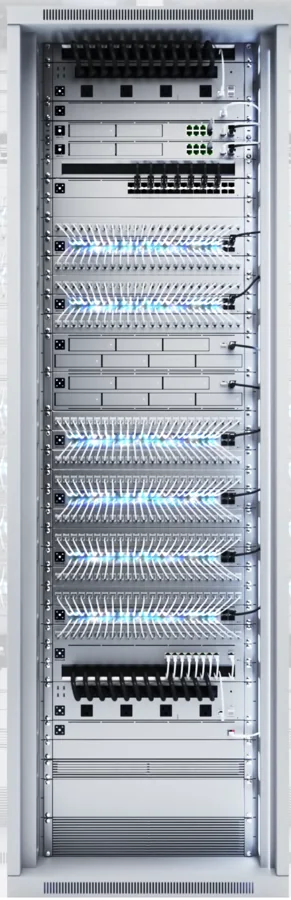
Where everything comes together: internet, switches, recorder and UPS, each cable with a name and destination.
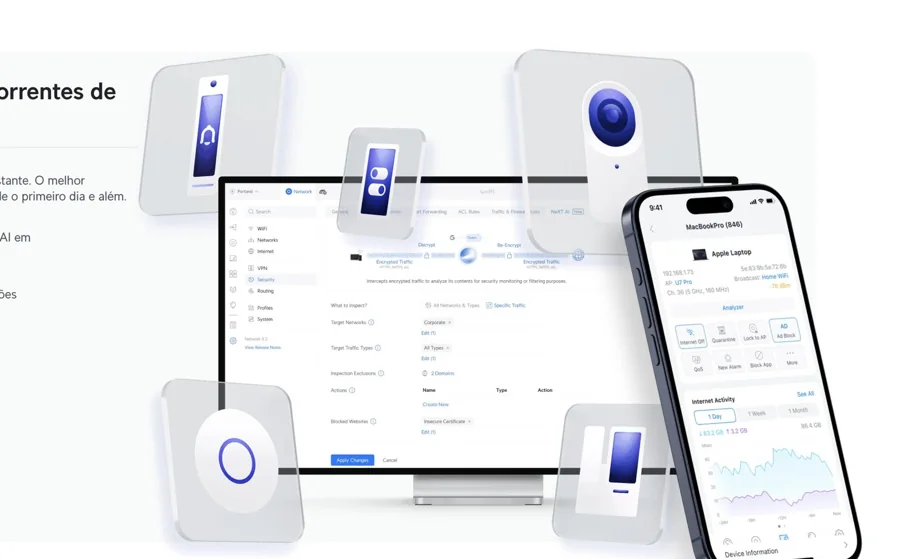
One screen to view and adjust the network, cameras and access, on a computer or phone.
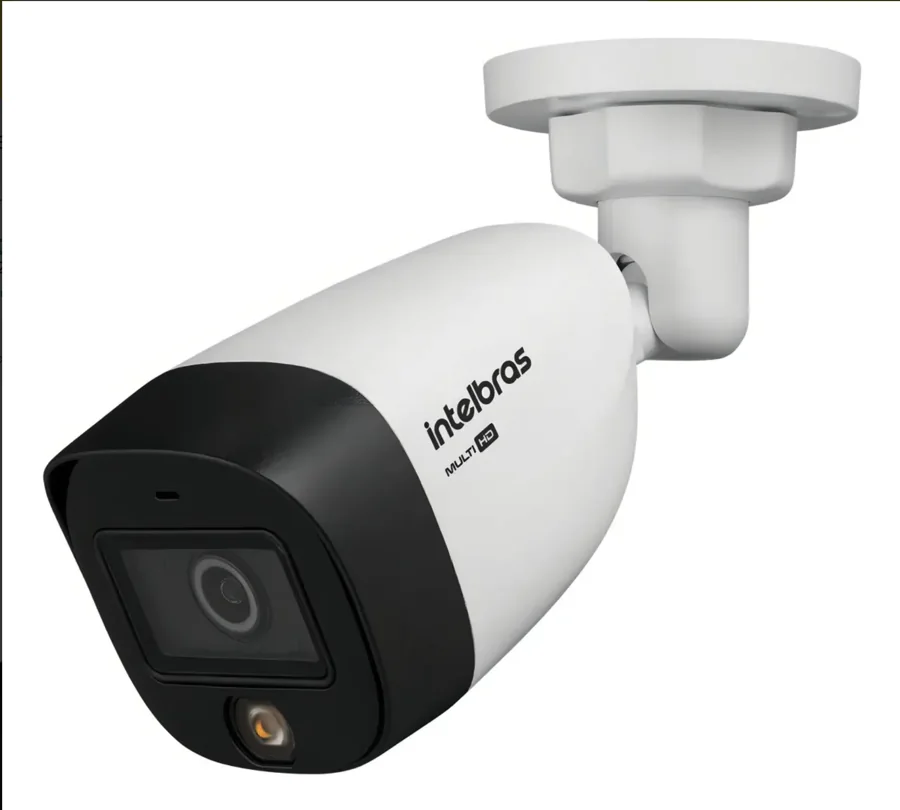
A domestic option, with service in Brazil, for lower-budget projects.
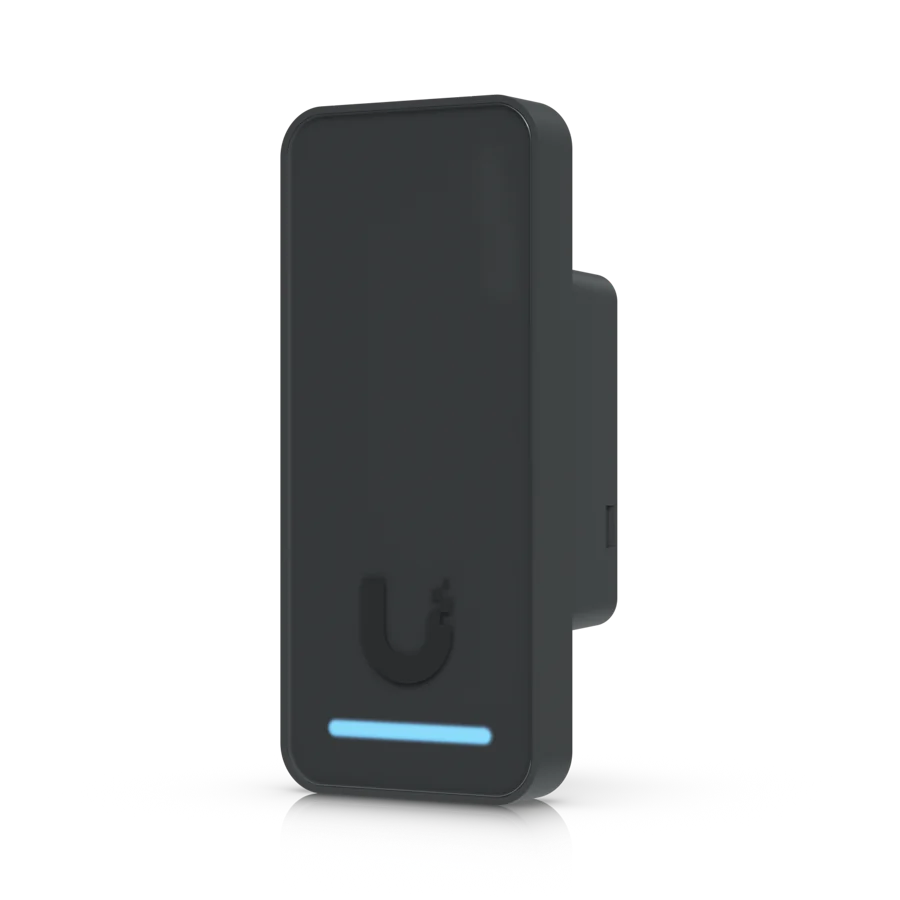
Opens the door with a card, tag or phone. Sits beside the door, almost invisible.
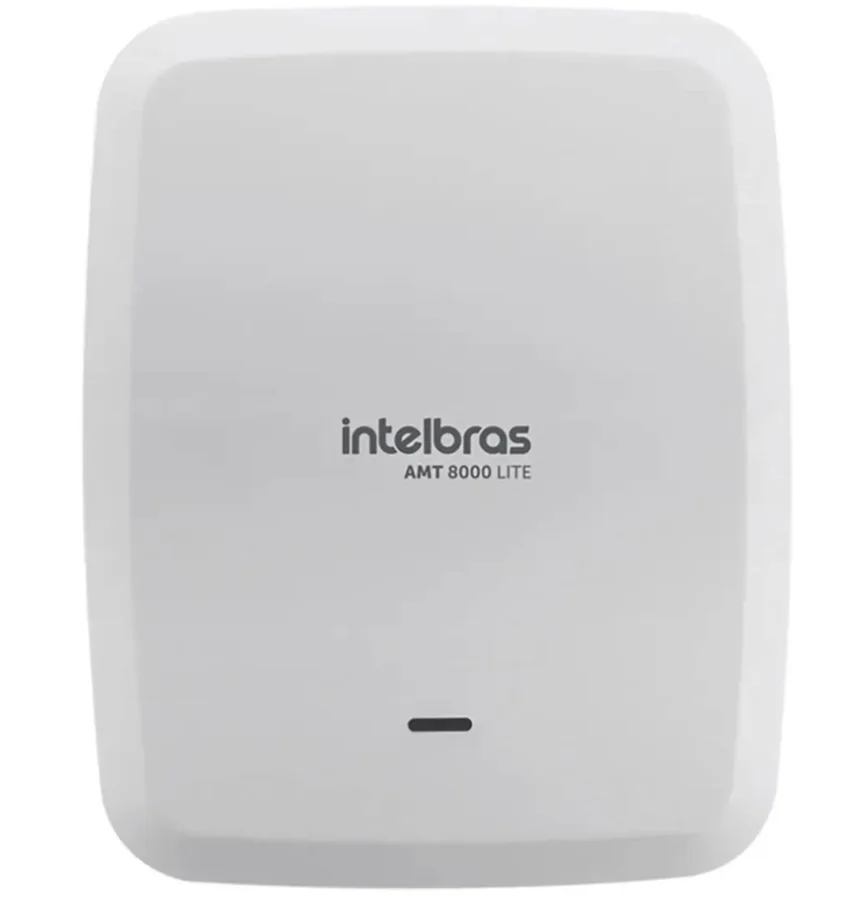
The brain of the alarm: it receives the sensors, separates the zones and alerts whoever needs to know.
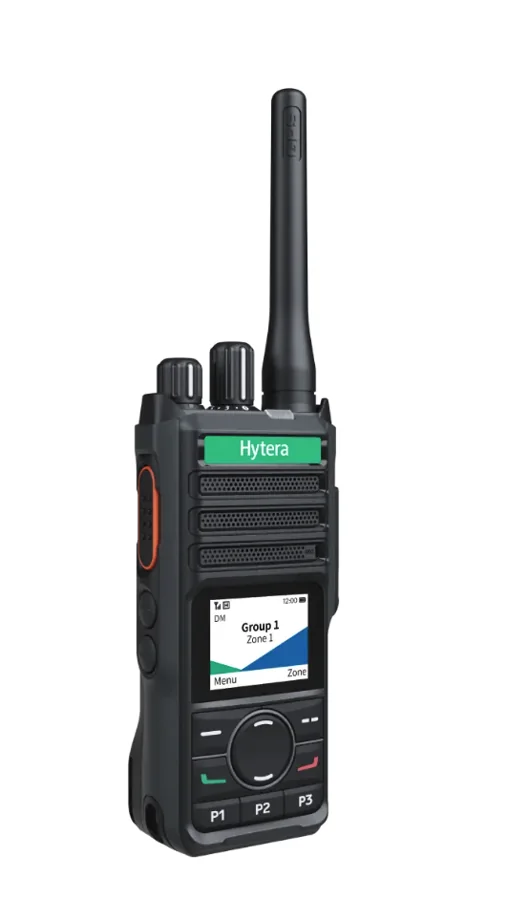
Communication at the push of a button inside the building, yard or plant, without depending on a carrier.
Brands
What hardly anyone tells you
The manufacturer's warranty replaces the defective part. It does not clean lenses, test batteries, check that recording is working or update anything. They are different things, and it is the second that prevents the surprise.
Recording disks, UPS batteries, sensor batteries and software licenses run out, each in its own time. What changes is knowing beforehand or finding out on the day. Ask for this list already in the installation proposal.
If only the installer has the administrator password, you depend on them for everything, including switching suppliers. Ask for the passwords and documentation at handover. If you no longer have them, we assess how to regain control.
Always on request. We start with a survey of what exists, the age of the equipment and how much the operation can stop. From it comes a plan made for the site. We do not work with ready-made packages, because two similar sites rarely need the same care.
We assess case by case. The first step is a survey: what exists, what condition it is in and whether there are passwords and documentation. Often we can take over the system as it is and fix it gradually. When we cannot, we explain why.
It depends on the environment. A place with dust, sea air or heat calls for closer visits. A clean office calls for fewer. The plan defines the frequency by type of equipment, and it is agreed with you, on request.
It can, and that is why updates are not done carelessly. We do them at an agreed time, starting with one device, with the previous configuration saved so we can go back if needed. Not updating is worse: known flaws stay open.
It depends on the program. Some keep working without receiving updates. Others turn off features or stop accepting new cameras. That is why we track the dates and warn you beforehand. You decide calmly, not on the day something disappears.
On-site maintenance follows the implementation area: State of São Paulo, the capital, the interior and the coast, always on request. Design, consulting and retrofit design cover all of Brazil.
Tell us what you want to solve. ARX replies clearly, with no obligation.
We use cookies to understand how the site is used and to measure our ads. You choose.